A Bill of Materials taken straight from the drawings
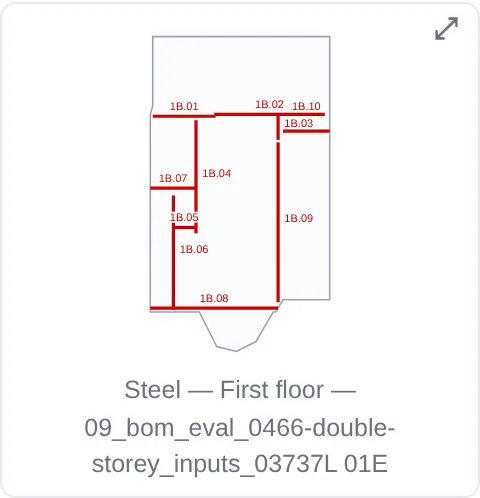
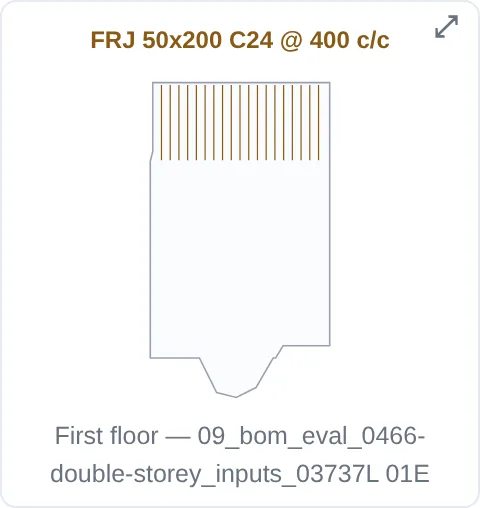
Every member and material taken off the pack, by section, with its drawing reference, and the call-off diagrams that show where each steel beam and timber run sits on the plan.
How to use it
Pick a job
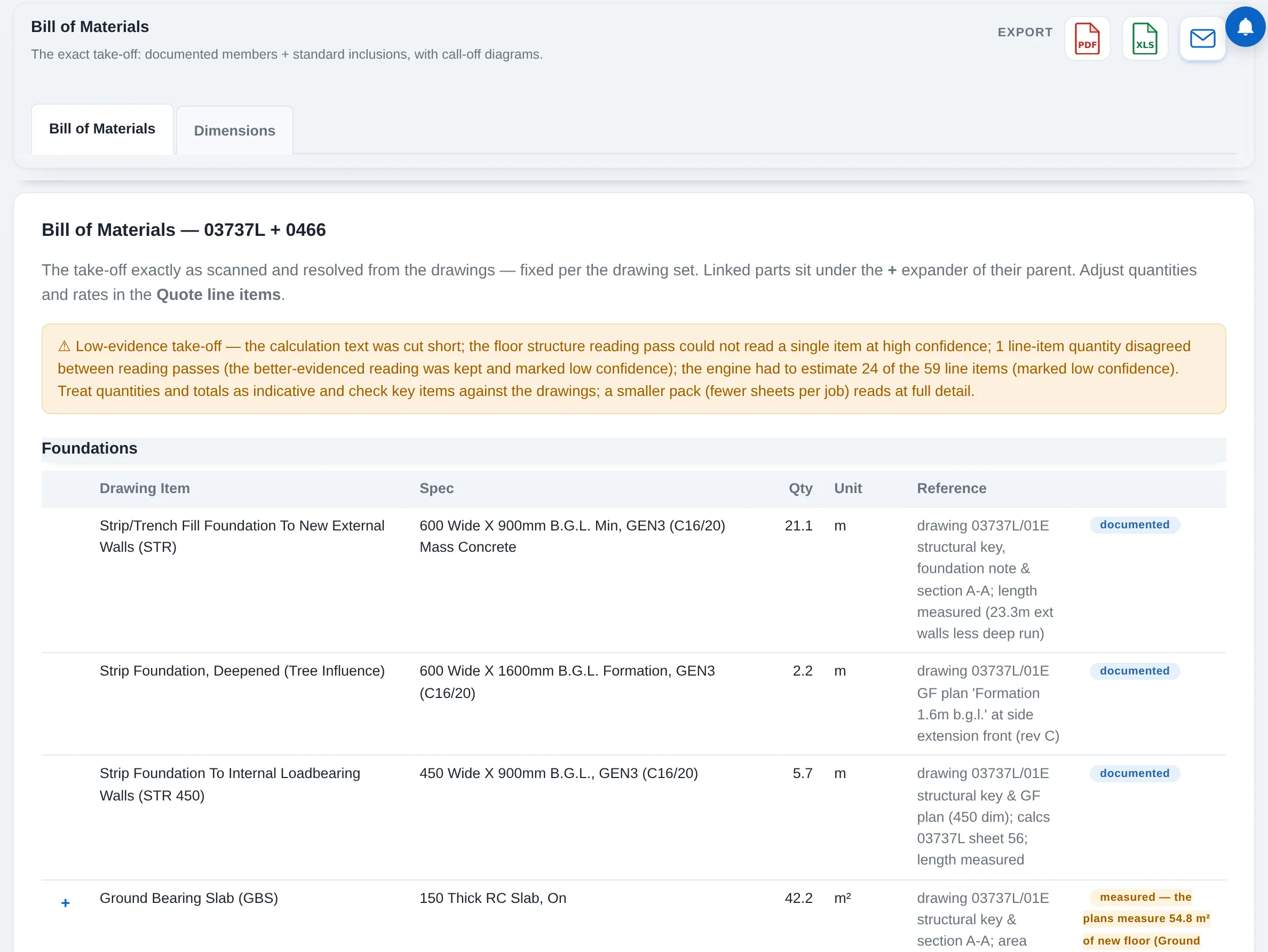
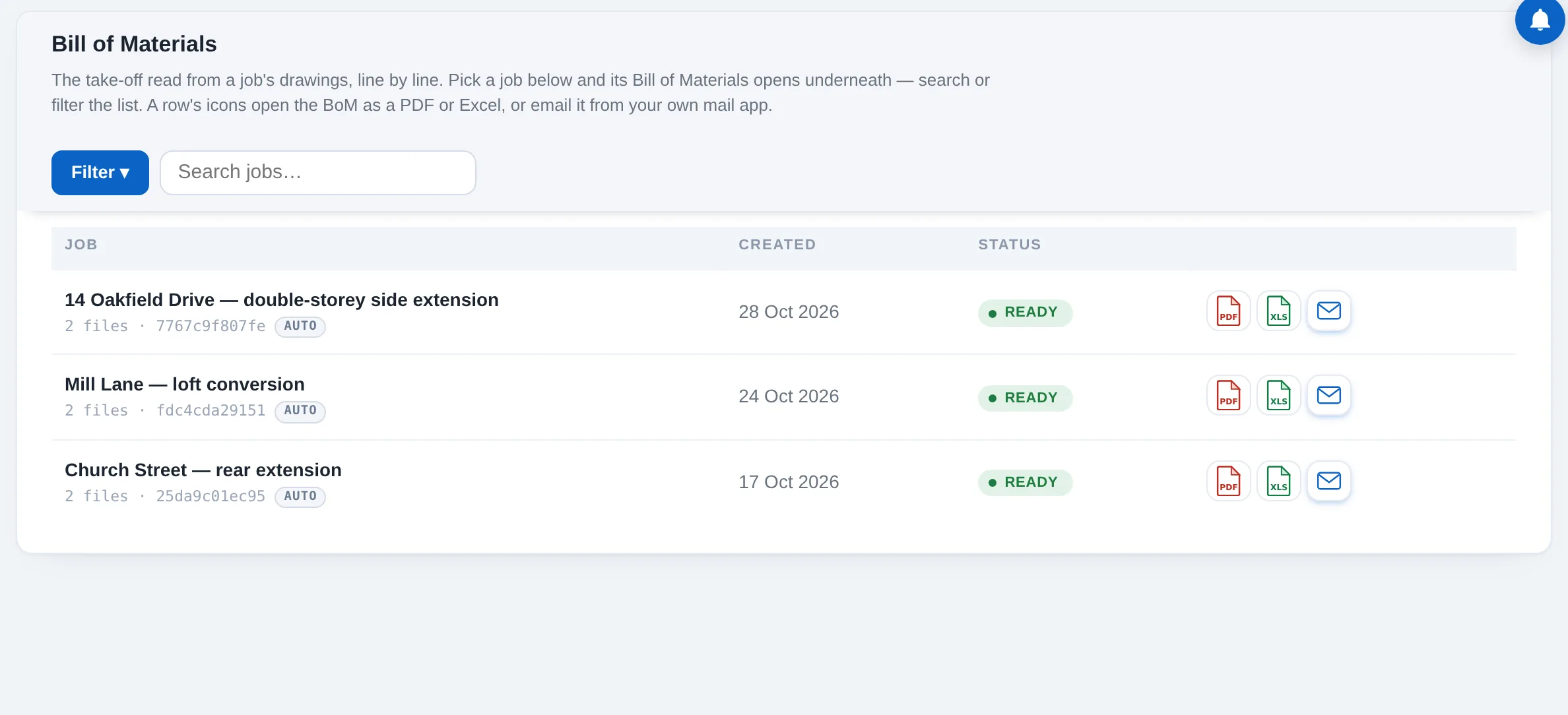
Bill of Materials lists your jobs. Pick one and its lines open underneath, section by section: foundations, steelwork, floors, walls, roof.
Read the flags
Documented means taken from the drawings or calculations. Inclusion means a standard builder item added by rule, such as padstones under a beam. Review means the scan thinks something may be missing and wants your eye.
Open the diagrams
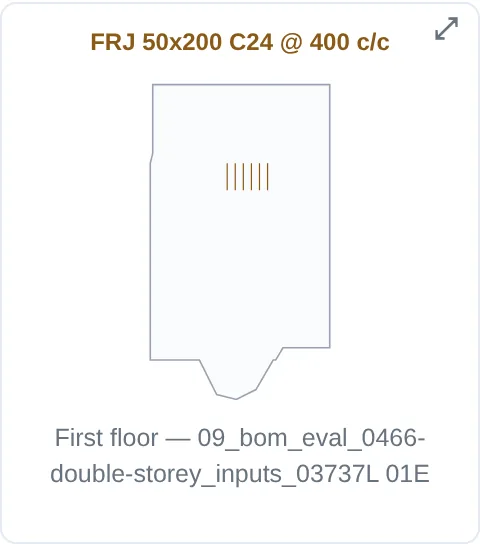
Each steel floor, each timber floor and the roof has its own call-off diagram drawn from the plan, with each beam's mark on it. Expand one to full screen when you are checking it against the drawing.
Export
The icons on every row open the Bill of Materials as a PDF, as an Excel workbook, or hand it to your own mail app.
Sections follow the build
The scan sorts a job into sections in the order it goes up: foundations, steelwork, floors, walls, roof, and on through the shell. Each section has its own lines and its own diagrams, so the Bill of Materials is laid out the way the job will be built, and the quote, the orders and the Order Book keep the same shape.
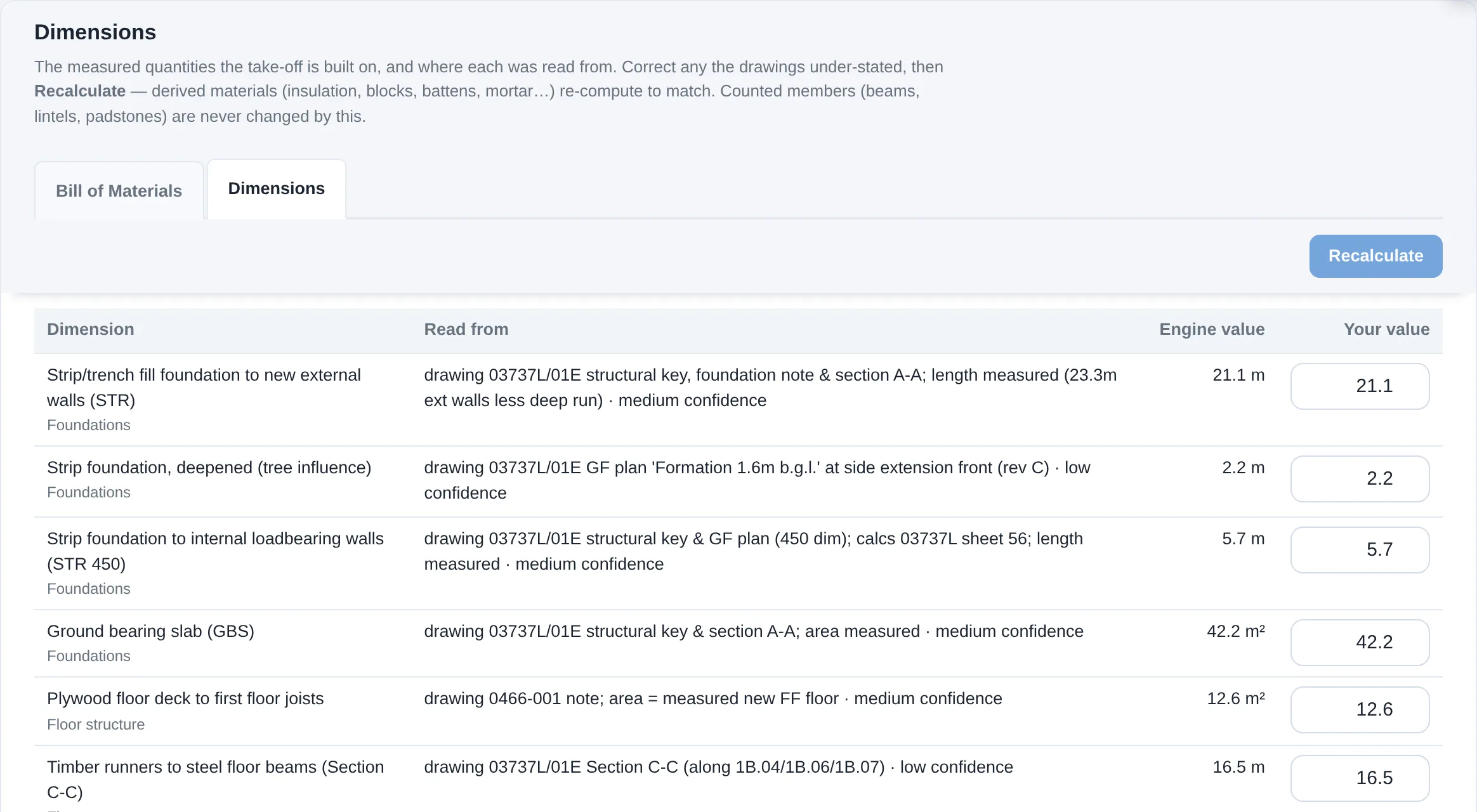
Adjust the dimensions
Behind the take-off sits the Dimensions tab: the measured quantities the scan is built on, each with where it was taken from. If the drawings under-state a wall area or a floor length, correct the figure there and press Recalculate. Every material derived from it, the blocks, the insulation, the battens, the mortar, re-computes to match, free of charge and without another scan. Counted members such as beams, lintels and padstones are never changed by this.