The job's documents, kept together
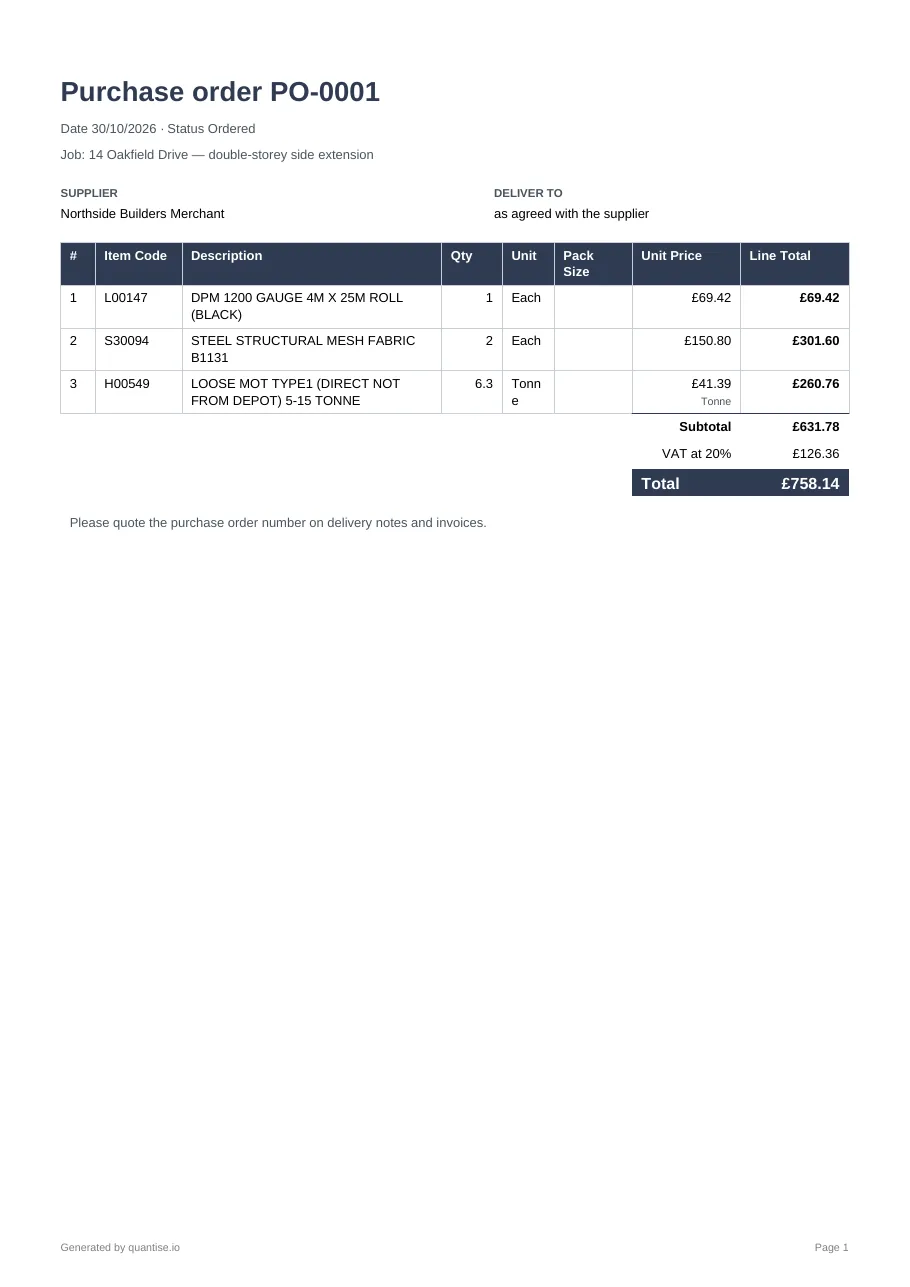
Everything leaves the app as a document you would be happy to send: a PDF under your own letterhead, an Excel workbook, or an email from your own mail app with the PDF attached.

How to use it
Every row and every screen has the PDF icon. The document opens in a new tab, ready to print or save. The Bill of Materials PDF carries the call-off diagrams on their own pages; on the quote the icon follows the tab, so the Structure prints by level and element and the Element Rates print each element with its section drawing.
Excel
The same icon row has the workbook. One sheet, your sections, your columns, the numbers as numbers so you can carry on in a spreadsheet.
The envelope hands the document to your own mail app with the PDF attached and a draft written: the subject, the summary, the request to quote the order number. Nothing is sent from a Quantise mailbox.
Your letterhead
Upload your company logo once on the Account page. It prints beside your company name at the head of every quote, Bill of Materials and purchase order.