Upload a drawing pack and get a materials take-off
Drop in the structural and architectural drawings for a job, as PDF or CAD. A pack check tells you what the pack contains and what is missing before anything runs, and nothing is charged until you press the button.
Your drawings are not kept
They are uploaded, scanned, and deleted once the scan has finished. What stays is the output you made: the Bill of Materials, the quote, the orders and the documents. Nothing from the drawings themselves is stored, and nothing is used to train anything. Hosted in the EEA.
How to use it
New Job
Name the job and drop in the files. One job takes the whole pack: the engineer's drawings and calculations, the architect's plans, elevations and sections, in PDF or CAD.
The pack check
Before anything runs, the pack is checked for what it contains: structural sheets, architectural sheets, calculations, CAD. Anything missing is named while it is still free to add.
Generate
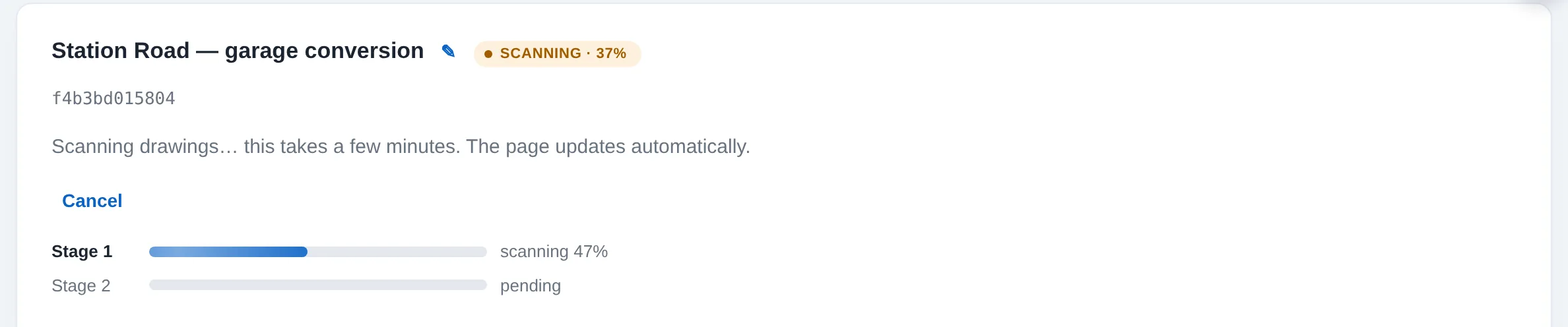
One press starts the scan and that is the billable moment, labelled as one scan. It works through the drawings the way an estimator does, in two stages you can watch.
Ready
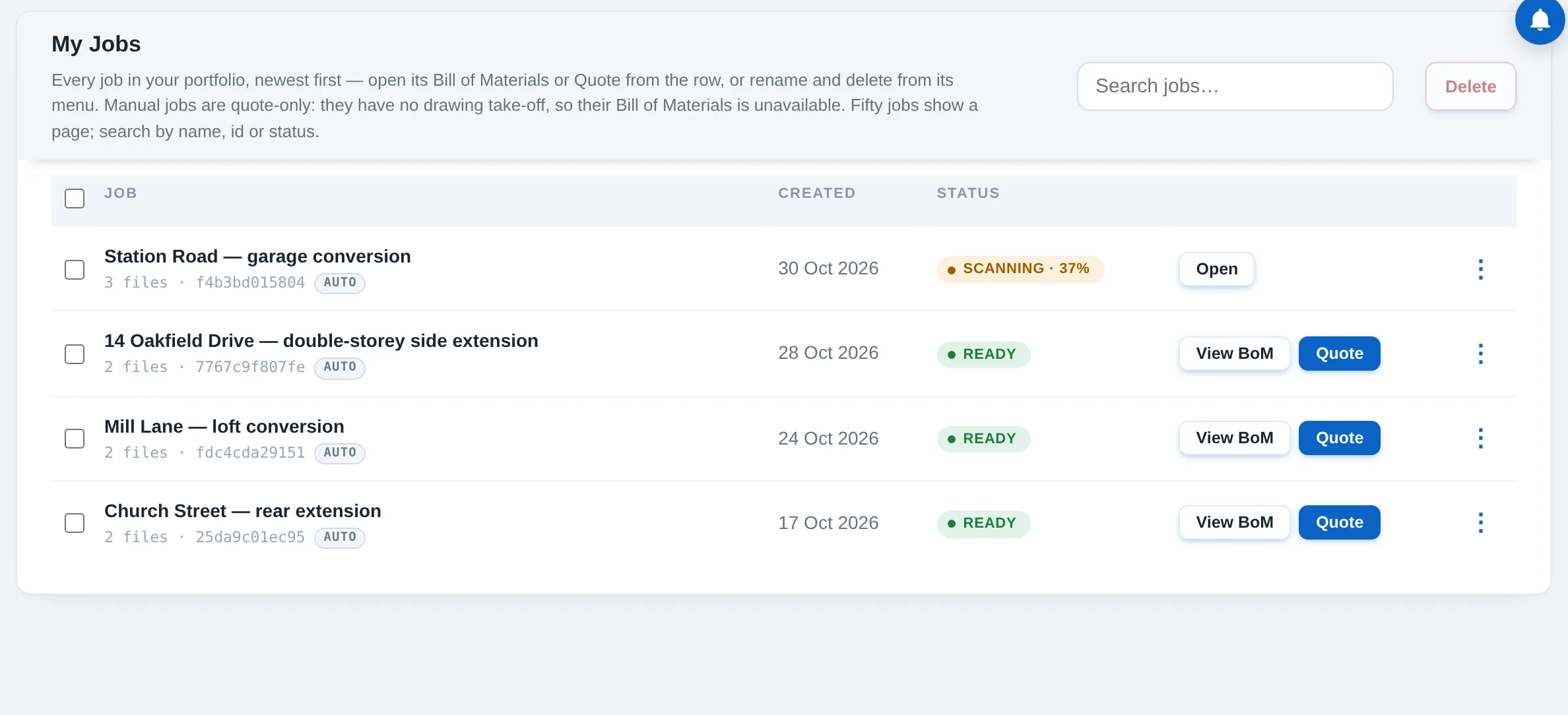
The job turns green in My Jobs. Its Bill of Materials and its quote are a click away, and the drawings are already gone from our side.